
Description
In the world of project management, simplicity and visual organization can make all the difference. Trello, developed by Atlassian, has earned a reputation as one of the most user-friendly and flexible project management tools. Known for its Kanban-style boards and drag-and-drop features, Trello is popular among startups, small businesses, freelancers, and even large organizations looking for a lightweight solution. But is Trello the right fit for your team? Let’s explore its features, strengths, and weaknesses.
What is Trello?
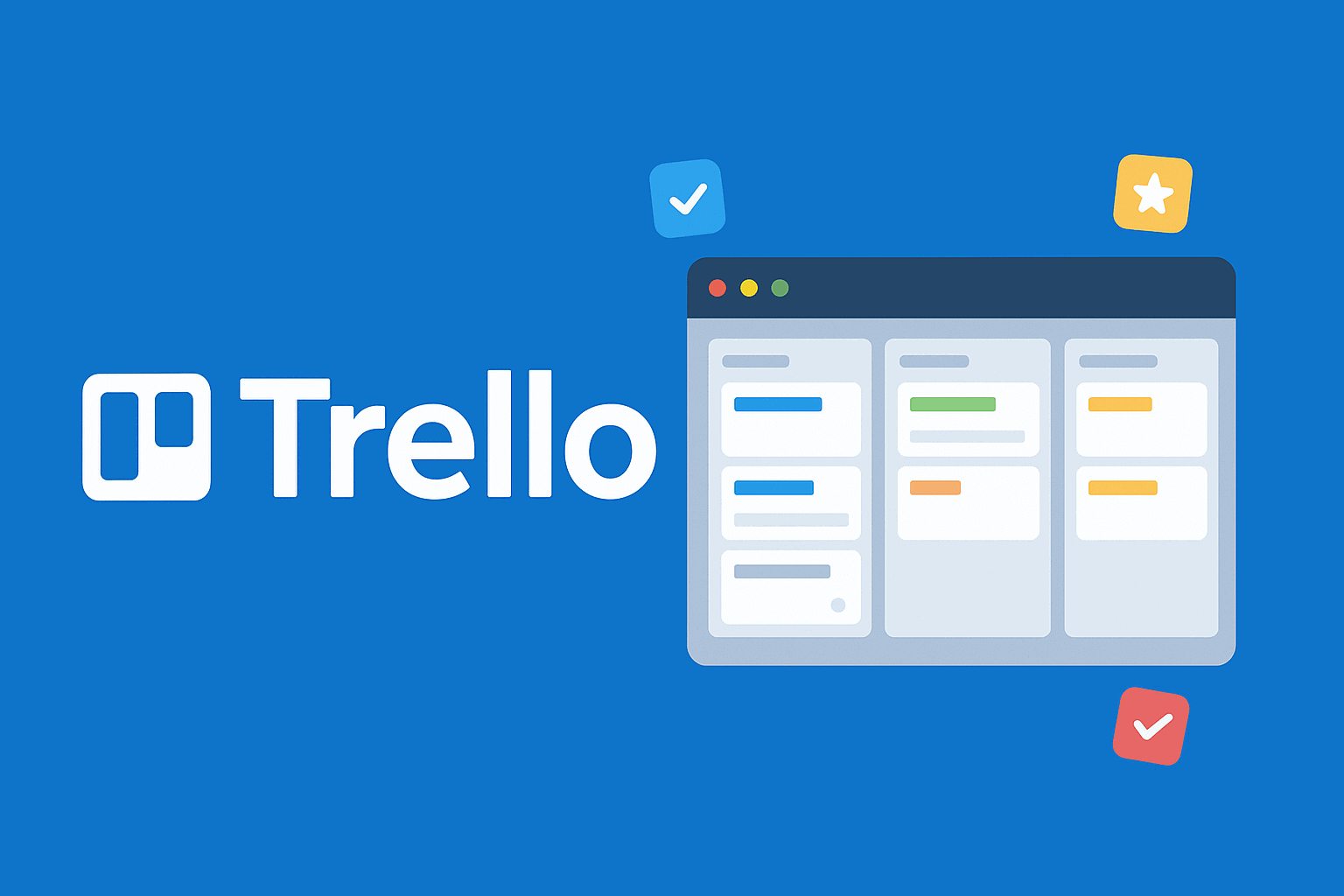
Trello is a web-based project management tool built around the Kanban methodology. It helps teams organize projects into boards, lists, and cards, allowing users to track progress visually. Instead of overwhelming users with complex features, Trello focuses on a simple and intuitive interface that makes task management easy—even for beginners.
Over the years, Trello has evolved from a basic to-do list into a collaborative platform with automation, integrations, and team collaboration features.
Key Features of Trello
-
Boards, Lists, and Cards
-
Projects are organized into boards.
-
Lists represent stages of progress (e.g., To Do, In Progress, Done).
-
Cards represent tasks that can include descriptions, attachments, checklists, and deadlines.
-
-
Drag-and-Drop Functionality
-
Move cards across lists with a simple drag-and-drop.
-
Provides a clear visual of task progress.
-
-
Collaboration Tools
-
Invite team members to boards.
-
Add comments, mentions, and attachments directly on task cards.
-
-
Power-Ups (Integrations)
-
Extend Trello’s functionality with integrations like Slack, Google Drive, Dropbox, Microsoft Teams, Jira, and more.
-
-
Automation with Butler
-
Automate recurring tasks, due-date reminders, and workflows.
-
Reduces manual work and improves efficiency.
-
-
Cross-Platform Accessibility
-
Available on web, desktop, and mobile apps.
-
Benefits of Using Trello
✅ User-Friendly Design – Extremely easy to learn, even for non-technical users.
✅ Visual Task Management – Ideal for teams who prefer a Kanban-style workflow.
✅ Customizable with Power-Ups – Add functionality as needed without clutter.
✅ Great for Small Teams & Individuals – Lightweight and flexible for personal and professional use.
✅ Affordable – Offers a solid free plan with essential features.
Limitations of Trello
❌ Limited Advanced Project Management Features – Lacks built-in Gantt charts, detailed reports, and workload management.
❌ Scaling Challenges – May not be ideal for large, complex projects.
❌ Relies on Power-Ups – Advanced features require additional Power-Ups, which can increase cost.
❌ Overly Simple for Enterprises – Bigger teams may prefer more comprehensive tools like Asana or Jira.
Pricing
Trello provides flexible pricing options:
-
Free Plan – Great for individuals and small teams with unlimited cards and up to 10 boards.
-
Standard Plan – Adds more advanced collaboration features and unlimited boards.
-
Premium Plan – Includes timeline, calendar, dashboard views, and advanced automation.
-
Enterprise Plan – Designed for larger organizations with enhanced security and admin controls.
The free plan is one of Trello’s biggest strengths, making it a favorite for freelancers and small businesses.
Who Should Use Trello?
-
Startups & Small Teams that need a simple, visual task manager.
-
Freelancers & Individuals for organizing personal and professional tasks.
-
Creative Agencies & Marketing Teams managing campaign workflows.
-
Teams new to project management tools who want an easy learning curve.
Trello is one of the best visual project management tools for small to medium-sized teams. Its Kanban-style interface, ease of use, and affordable pricing make it an excellent choice for teams that value simplicity over complexity. While it may not offer advanced features like time tracking or enterprise reporting out of the box, Trello shines in its flexibility, user experience, and adaptability through Power-Ups.


Reviews
There are no reviews yet.