
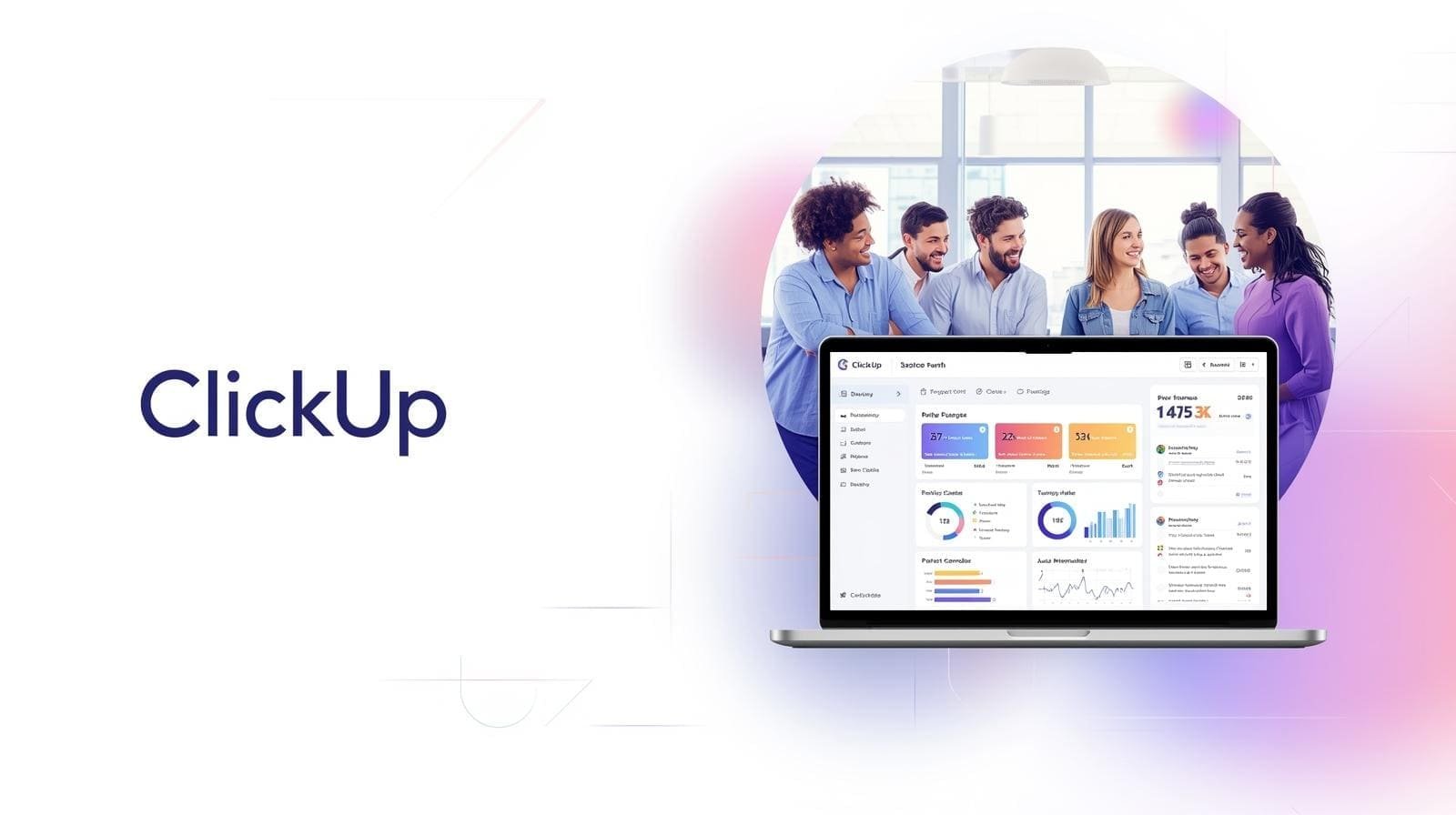
Description
In the modern business environment, managing tasks, projects, and team collaboration can quickly become overwhelming without the right tools. ClickUp has emerged as one of the most popular project management and productivity platforms, designed to consolidate multiple tools into a single workspace. From task tracking to goal management and team collaboration, ClickUp aims to be a one-stop solution for businesses of all sizes. But does it deliver? Let’s explore.
What is ClickUp?
ClickUp is a cloud-based productivity and project management platform that combines tasks, docs, goals, chat, and reporting into one interface. Founded in 2017, ClickUp has grown rapidly by offering extreme flexibility and customization, allowing teams to structure their workspace exactly how they need it.
Unlike traditional project management tools, ClickUp is designed for all types of teams—marketing, development, operations, HR, and even freelancers. Its core promise is to replace multiple apps with a single, unified platform.
Key Features of ClickUp
-
Task & Project Management
-
Create tasks, subtasks, checklists, and recurring tasks.
-
Assign priorities, due dates, and dependencies for effective planning.
-
-
Multiple Views
-
List, Board (Kanban), Calendar, Gantt chart, and Timeline views.
-
Teams can switch between views for better visualization of work.
-
-
Docs & Collaboration
-
Built-in Docs for knowledge sharing and collaborative editing.
-
Comments, mentions, and real-time collaboration on tasks and docs.
-
-
Goals & OKRs
-
Set goals and track progress through measurable objectives.
-
Align team efforts with company priorities.
-
-
Automation
-
Automate repetitive tasks, notifications, and status updates.
-
Customizable workflow automation for enhanced productivity.
-
-
Reporting & Dashboards
-
Custom dashboards with charts, widgets, and project insights.
-
Track team performance, workload, and progress in real-time.
-
-
Integrations
-
Integrates with Slack, Zoom, Google Drive, GitHub, Jira, Trello, and more.
-
Centralizes work from multiple platforms into ClickUp.
-
Benefits of Using ClickUp
✅ All-in-One Platform – Combines project management, docs, goals, and chat.
✅ Highly Customizable – Flexible enough to fit any team or workflow.
✅ Affordable Pricing – Generous free plan for small teams or individuals.
✅ Collaboration-Focused – Keeps communication centralized and organized.
✅ Scalable – Suitable for freelancers, startups, and large enterprises alike.
Limitations of ClickUp
❌ Steep Learning Curve – Feature-rich interface can be overwhelming for new users.
❌ Performance Issues – Some users report slower loading times with large projects.
❌ Mobile App Complexity – Mobile experience is not as smooth as desktop.
❌ Too Many Options – Over-customization can lead to confusion if not managed carefully.
Pricing
ClickUp offers flexible pricing plans:
-
Free Plan – Ideal for individuals and small teams; includes tasks, docs, and basic integrations.
-
Unlimited Plan – Adds unlimited integrations, dashboards, and advanced features.
-
Business Plan – For growing teams with advanced reporting, goals, and automation.
-
Enterprise Plan – Custom pricing for large organizations with enhanced security and support.
The free plan is robust, making ClickUp highly attractive for startups and small teams.
Who Should Use ClickUp?
-
Startups and SMEs that need a flexible, all-in-one workspace.
-
Remote Teams requiring centralized collaboration and communication.
-
Project Managers looking for advanced visualization and reporting.
-
Freelancers and Agencies who want to manage clients, tasks, and goals in one place.
ClickUp is one of the most versatile project management and productivity tools on the market today. Its ability to combine multiple tools—tasks, docs, goals, chat, and dashboards—into a single platform makes it a strong contender for businesses seeking efficiency and collaboration. While its learning curve can be challenging, the flexibility and scalability outweigh the initial adjustment period.

Reviews
There are no reviews yet.