
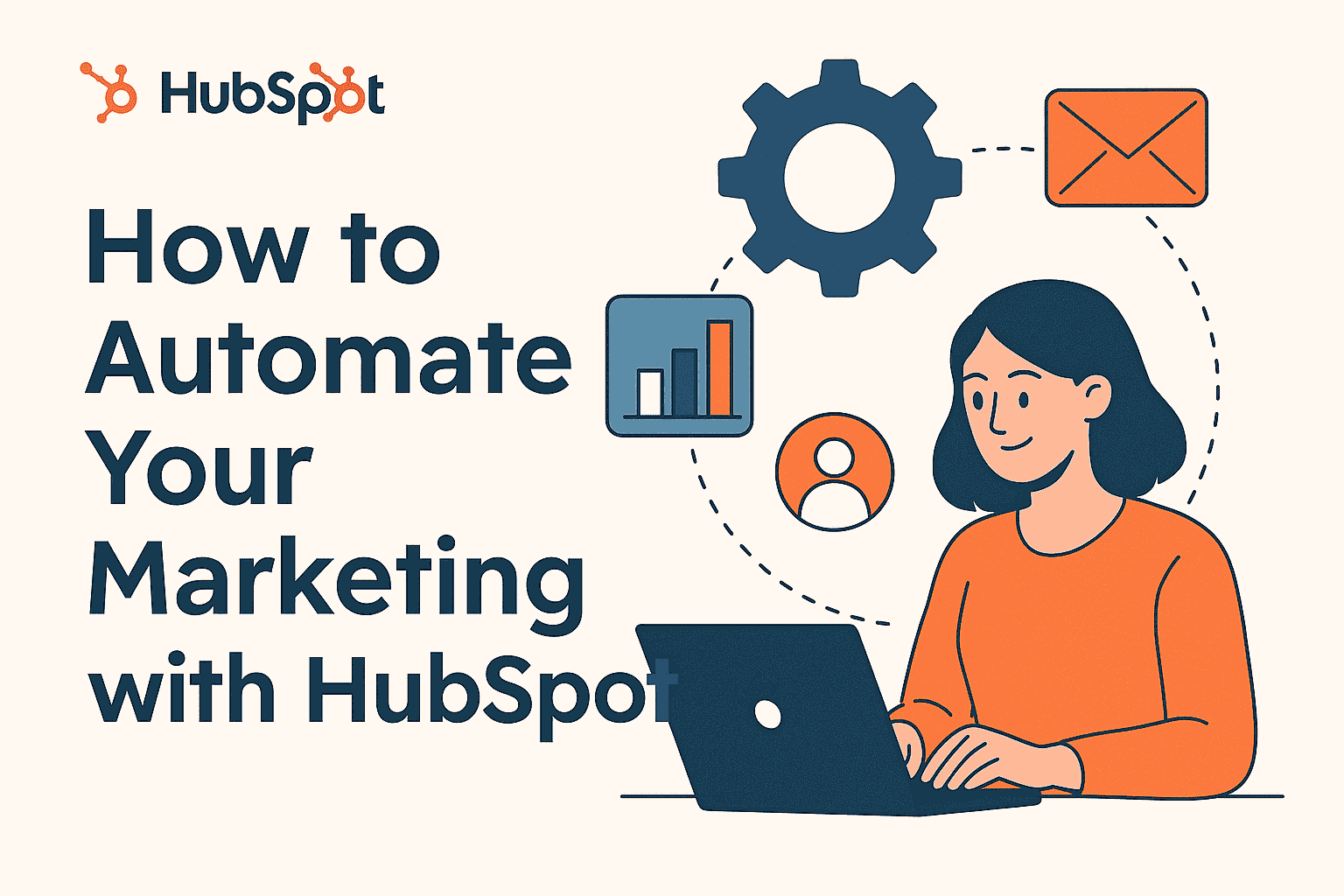
Description
In today’s fast-paced digital world, managing customer relationships efficiently is the backbone of any successful business. Whether you’re a small startup or an established enterprise, you need a reliable CRM to track leads, automate workflows, and enhance communication. HubSpot CRM stands out as one of the most powerful, user-friendly, and scalable platforms in this space.
In this review, we’ll explore what makes HubSpot CRM so popular, its key features, pricing, pros and cons, and whether it’s the right fit for your business in 2025.
What is HubSpot CRM?
HubSpot CRM is a free, cloud-based customer relationship management platform designed to help businesses attract, engage, and delight customers. It offers an integrated suite of tools across marketing, sales, customer service, operations, and content management (CMS) — all under one roof.
Launched in 2014, HubSpot CRM has evolved from a simple contact manager into a full-fledged business automation ecosystem. Its clean interface, automation features, and scalability make it a preferred choice for over 200,000+ companies worldwide.
Key Features of HubSpot CRM
1. Contact & Lead Management
HubSpot offers a unified dashboard where you can view every interaction a customer has had with your business — emails, calls, chats, and website visits. You can easily organize, track, and nurture leads throughout the buyer’s journey.
2. Email Marketing & Automation
HubSpot’s built-in email marketing tool lets you design professional emails using drag-and-drop templates. With automation workflows, you can send personalized messages, follow-up reminders, and trigger campaigns based on user actions.
3. Sales Pipeline Management
Visualize and manage your sales pipeline effortlessly. HubSpot CRM allows you to track deals, set revenue targets, assign tasks, and predict future sales performance — all in real time.
4. Marketing Hub Integration
The Marketing Hub integrates seamlessly with your CRM to handle SEO, ads, landing pages, forms, and social media campaigns. It helps convert website visitors into qualified leads through advanced analytics and automation.
5. Customer Support Tools
The Service Hub includes live chat, help desk tickets, knowledge base creation, and customer feedback surveys — ensuring your support team delivers outstanding service at every touchpoint.
6. Reports & Analytics
HubSpot’s dashboards give you powerful insights into marketing ROI, sales performance, and customer behavior. You can create custom reports or use ready-made templates for data-driven decision-making.
7. Integrations & Marketplace
HubSpot integrates with over 1,000 third-party apps — including Gmail, Outlook, Shopify, WordPress, Slack, and Zapier — enabling you to streamline workflows without switching platforms.
User Experience & Interface
HubSpot CRM is known for its clean, intuitive, and beginner-friendly interface. Even if you’re new to CRM systems, you’ll find it easy to set up pipelines, import contacts, and automate emails within minutes. The dashboard is highly visual and customizable, ensuring that users only see the data that matters most.
HubSpot CRM Pricing
HubSpot follows a freemium model, making it accessible for businesses of all sizes.
| Plan | Price (Monthly) | Best For |
|---|---|---|
| Free Plan | ₹0 /month | Startups & small businesses |
| Starter | From ₹1,600 /month | Growing teams |
| Professional | From ₹35,000 /month | Mid-sized businesses |
| Enterprise | From ₹2,20,000 /month | Large enterprises with complex needs |
The free version includes essential CRM features such as contact management, deal tracking, and email tools, while premium plans unlock automation, advanced analytics, and AI-powered tools.
Pros and Cons of HubSpot CRM
✅ Pros
-
Completely free plan available
-
Easy to use and visually appealing interface
-
Powerful automation and marketing tools
-
Excellent customer support and documentation
-
Scalable — grows with your business needs
-
Seamless integration with popular apps
❌ Cons
-
Advanced features can be expensive
-
Limited customization in lower-tier plans
-
Some reporting tools require higher-tier subscriptions
Who Should Use HubSpot CRM?
HubSpot CRM is ideal for:
-
Small and medium businesses seeking an all-in-one solution.
-
Marketing and sales teams that rely on automation and inbound marketing.
-
Startups looking for a free yet powerful CRM to grow leads and revenue.
-
Enterprises that need scalable tools for multi-team collaboration.
Whether you’re a freelancer, agency, or enterprise, HubSpot adapts easily to your workflow.
Absolutely. HubSpot CRM continues to be a leader in the CRM industry thanks to its versatility, user experience, and automation power. Its free plan makes it an excellent starting point, and the paid tiers unlock enterprise-grade features for marketing, sales, and service alignment.
If you want a single platform to manage your entire customer lifecycle — from lead capture to retention — HubSpot CRM is one of the best investments you can make in 2025.
Reviews
There are no reviews yet.